
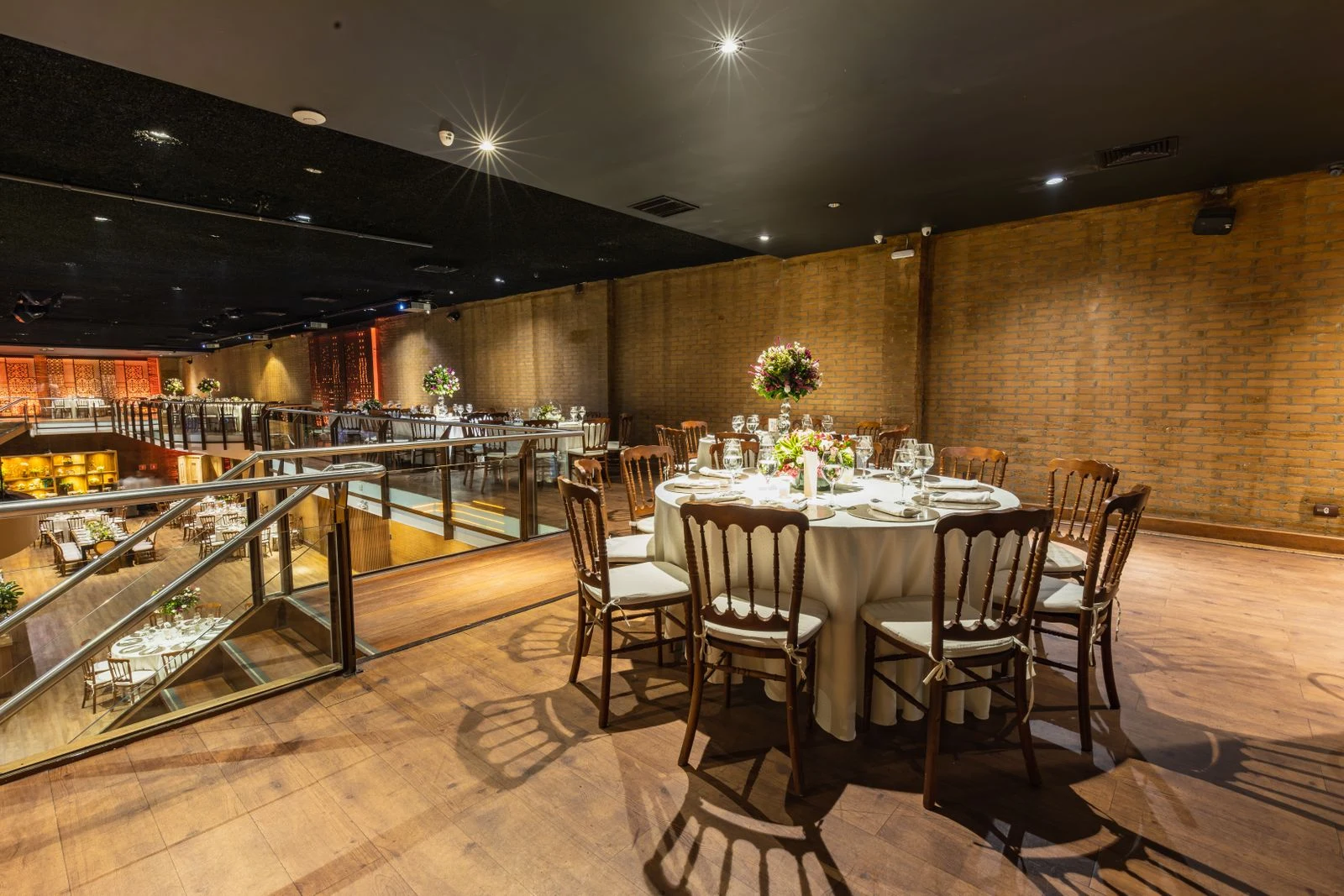
Begin with the real furniture
SeatCanvas allocates named guests across a number of tables, then lets you review and change the arrangement. It is useful after attendance is reasonably clear and before you print a table list. Start with actual permitted seating capacity rather than the number of chairs you hope might fit.
The Round and Long choices label the intended table shape. Both use the same allocation logic. The tool does not measure a room, position chairs around a floor plan or infer which side of a long table a guest should occupy. Treat the result as a table-assignment chart.
Create an honest capacity check
Enter one unique guest name per line, select the shape, and set whole numbers for tables and seats per table. Names are checked without regard to case, preventing duplicate entries from appearing as two separate guests. The initial assignment fills the first table in list order, then the next, until capacity is exhausted.
Any remaining names appear under Unassigned. That list is an important result. Do not remove an excess guest merely to make the chart look complete. Check whether you can use another approved table, change the event arrangement or resolve an attendance misunderstanding. Increasing a field in the browser does not authorize additional venue occupancy.
Move a guest or make a deliberate swap
You can drag a guest to a table with available space or use the destination selector. Dropping on the same table leaves the arrangement unchanged. A normal move into a full table is refused. Moving someone to Unassigned creates room without deleting their name.
For a specific swap, use Choose a seat or swap: select a guest, select the destination table and choose an occupied seat. The two names exchange positions. Choosing the next empty seat moves the guest instead. These are compact list positions, not permanent chair coordinates; the chart does not model gaps between particular chairs. The selection controls provide an alternative to dragging on phones and for keyboard users.
Fictional example: seven guests and six places
Enter Ari, Bea, Cleo, Dev, Em, Fox and Gray. Choose Round, two tables and capacity three. Table 1 contains Ari, Bea and Cleo; table 2 contains Dev, Em and Fox; Gray is unassigned. The seven names appear exactly once across those three lists.
Suppose Bea and Em should exchange tables after consultation. Selecting Bea, table 2 and Em’s occupied position swaps them without needing an empty table. Table 1 becomes Ari, Em, Cleo and table 2 becomes Dev, Bea, Fox. Gray remains unassigned: swapping did not solve the capacity shortage.
If a third table of the same confirmed capacity is genuinely available, regenerating with three tables assigns Gray to it and leaves other places unused. Review any previous manual swaps after regeneration. For eight guests and two tables of four, a Long layout initially assigns four to each table, but the host still decides the actual chair sides and accessible positions.
Check the human arrangement
Consider conversation, hearing, sightlines, carers, children, service routes and guests who need an easy exit. Ask privately about practical requirements without publishing the reasons on a shared chart. A fictional rank should never override an access arrangement or a guest’s comfort.
Review the final list against attendance, then save. Export CSV for a table list or print the arrangement for the host team, checking that the current version is the one being distributed. SeatCanvas does not know allergies, interpersonal conflicts or venue restrictions unless you account for them yourself. A zero-unassigned result confirms only that entered names fit entered capacity.
Questions before you begin
Does Round change the seating algorithm?
No. Round and Long identify furniture style; both initially fill tables in guest-list order. Physical chair geometry is not modeled.
Why can I not drop someone on a full table?
An ordinary move requires space. Use the occupied-seat swap controls when the intention is to exchange two people.
Can a guest occupy two tables at once?
A valid unique roster and the move/swap controls preserve one occurrence per guest. Check imported or manually maintained lists before using them elsewhere.
Are empty seats shown as fixed numbered gaps?
No. Positions are compact slots within each table list. The next empty position is offered for moving; it is not a detailed chair map.